
In a hurry?
Want to create a ProofStamp right now and skip the explanation?
Go to email.proofstamp.org →
It takes about a minute. You can come back later to read how it works.
You take photos before moving into an apartment.
You finish a proposal. Sign an agreement. Save an important screenshot.
At the time, it feels routine.
Six months later, it may matter a lot.
Was this the file I had back then, or has it changed since?
There is a simple way to create a record you can check later.
Give the file a date you can point to
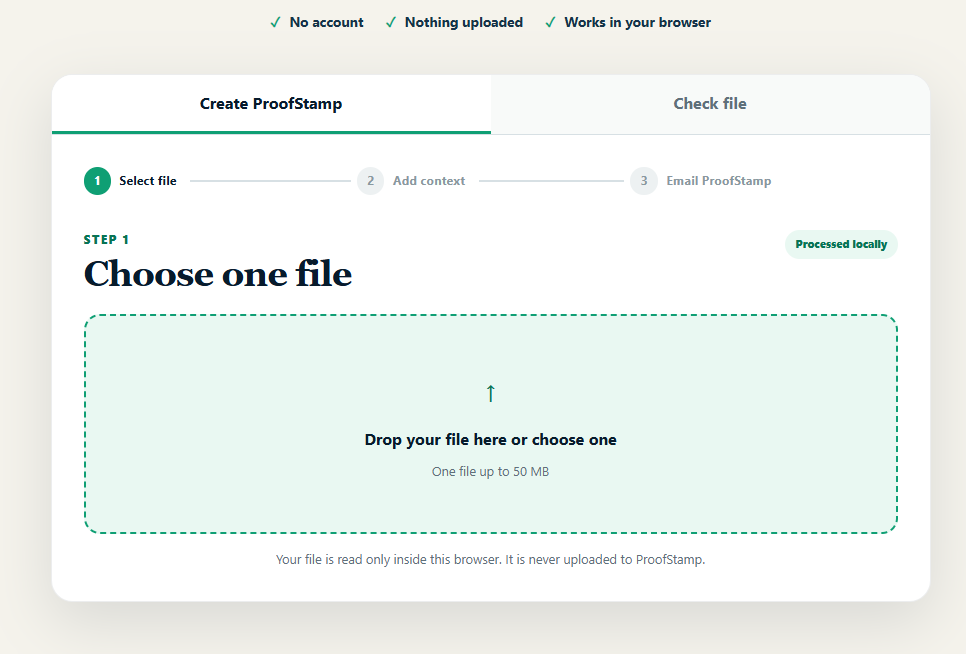
Open email.proofstamp.org and choose your file.
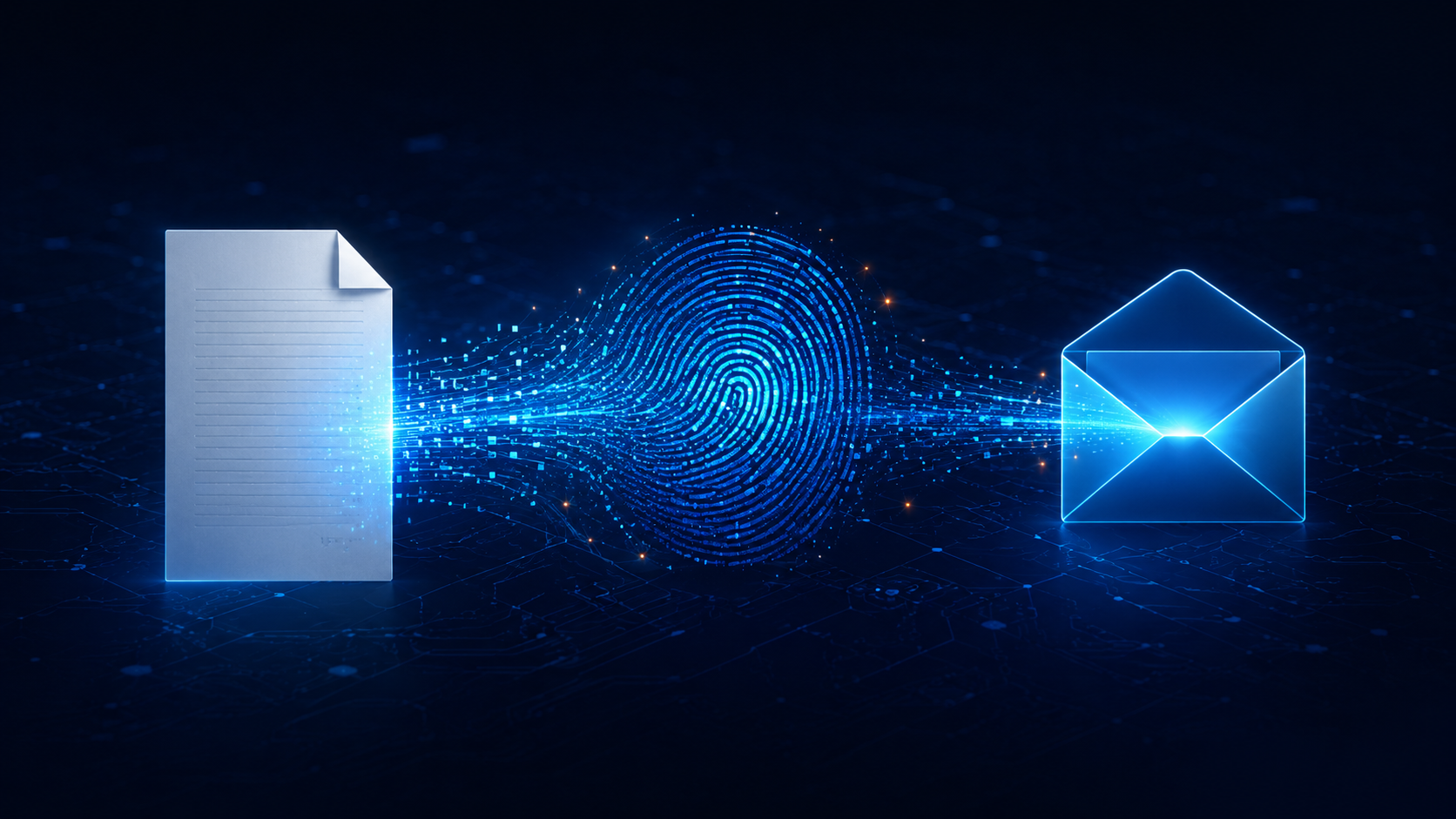
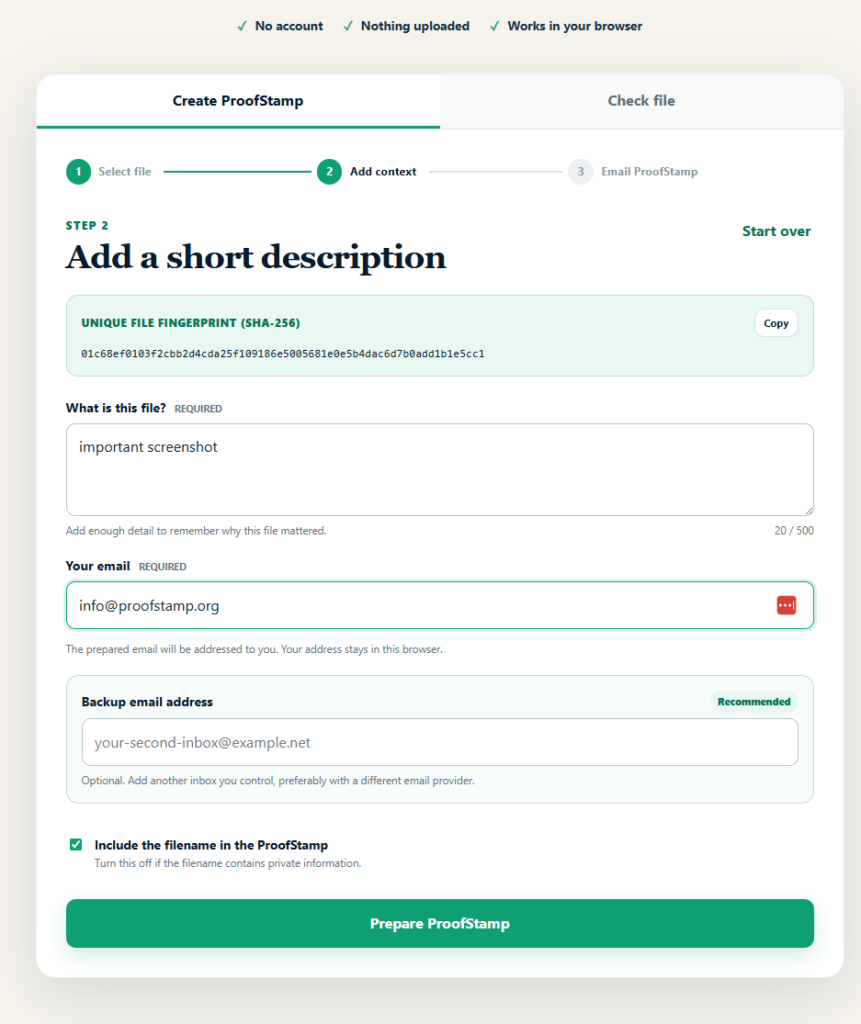
ProofStamp creates a unique SHA-256 fingerprint of the file directly in your browser. The file itself is not uploaded.
Add a short description, then ProofStamp prepares an email for you.
Send it to yourself.
Now you have two separate things:
Your device keeps the original file.
Your inbox keeps its fingerprint and the time the email arrived.
That is the basic idea.
Why not just email the file to yourself?
You can.
But then you are uploading the entire photo or document to your email provider.
A ProofStamp contains only a small digital fingerprint, your description, and the file information you choose to include.
For something sensitive, you can even leave the filename out.
What can you use it for?
A few obvious examples:
- Photos before moving into or out of a rental
- A signed PDF or agreement
- A proposal before sending it to a client
- A screenshot of something important
- A finished design, manuscript, report, or other work
- A document version you may need to compare later.
For extra redundancy, ProofStamp lets you add a second email address, ideally an inbox at another provider.

Checking the file later
Suppose someone sends you what they claim is the original document.
Or you find an old copy on a drive.
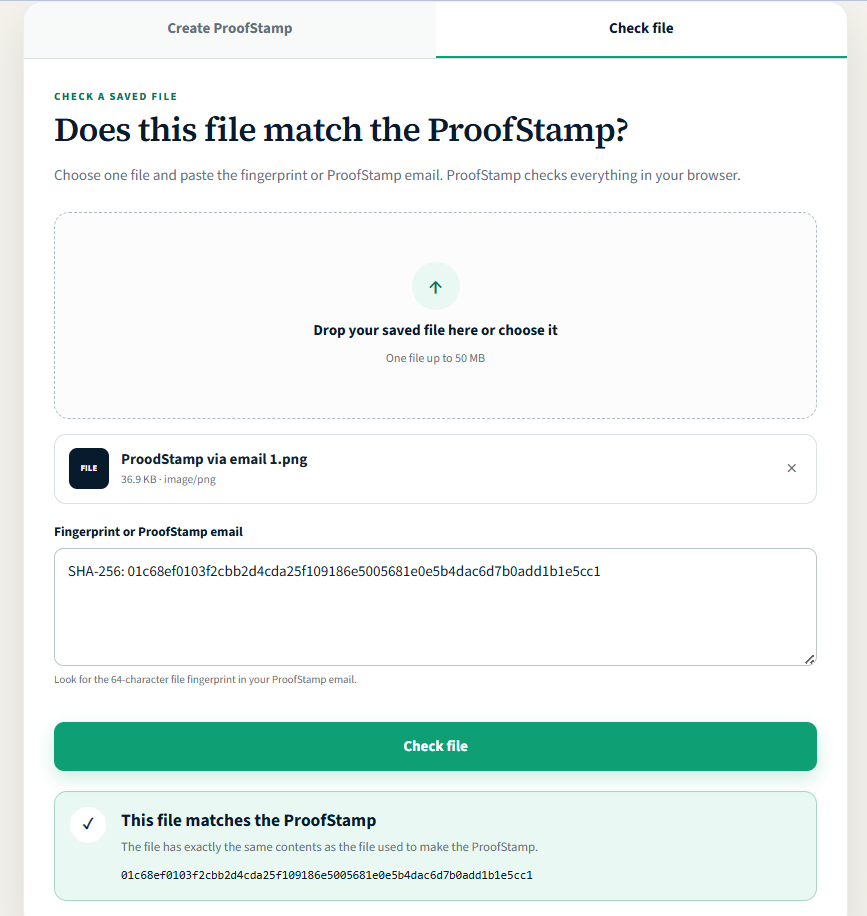
Go back to email.proofstamp.org, choose the file, and paste your old ProofStamp email.
ProofStamp calculates the fingerprint again.
Match: the file has exactly the same contents.
No match: something is different.
Even a tiny change produces a different fingerprint.
Bonus use case
A simple shared record
When Alice sends Bob an important PDF, she can first create a ProofStamp and send that ProofStamp email to herself and Bob, then send Bob the actual PDF. Now both people have the same fingerprint in their own inboxes from around the time the file was sent. If there is a dispute later, either person can check the PDF against that original ProofStamp without relying on the other to produce the record. It does not prove Bob opened the PDF, that the file is safe, or that its contents are true. It shows that the exact file matches the fingerprint recorded at that time.
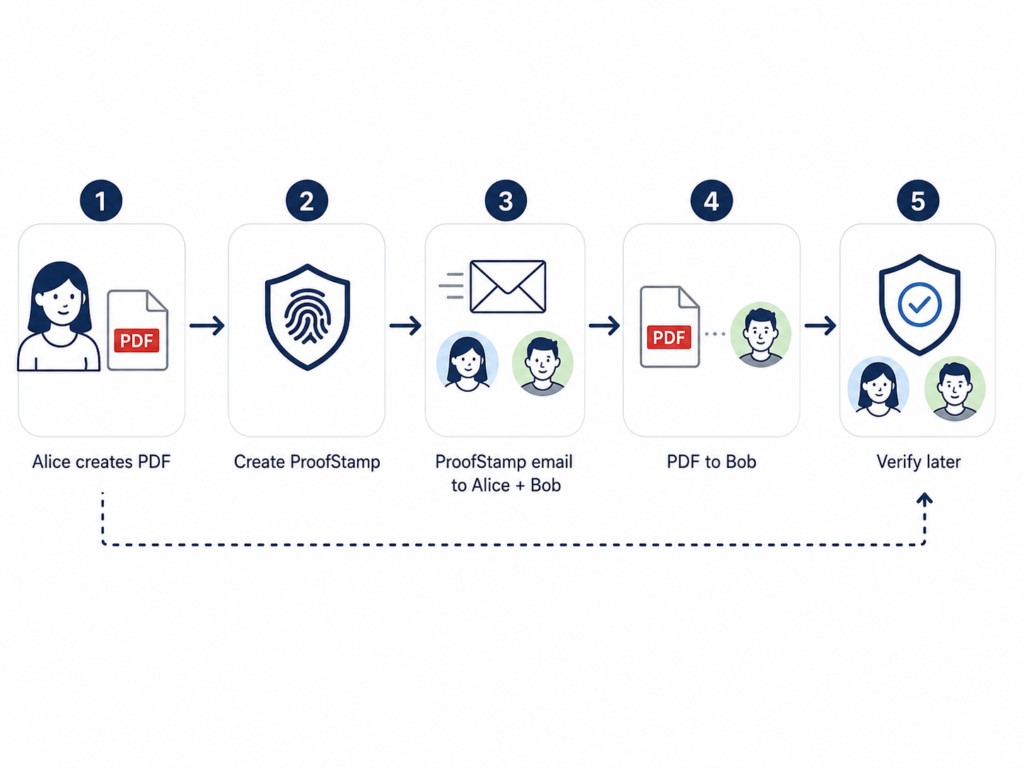
Alice creates PDF → Creates ProofStamp → ProofStamp → Alice + Bob → PDF → Bob → Either can verify later
One important limitation
A ProofStamp does not prove when the photo was originally taken, who created the document, where it came from, or whether its contents are true.
It proves something narrower:
This file matches the fingerprint recorded in my inbox at that time.
That can be surprisingly useful.
And creating the record takes about a minute.
Keep the original file. Your fingerprint cannot restore it if you lose it.